All Plugins
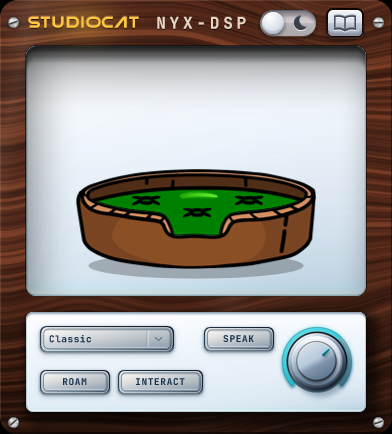
StudioCat plugin interface, light theme
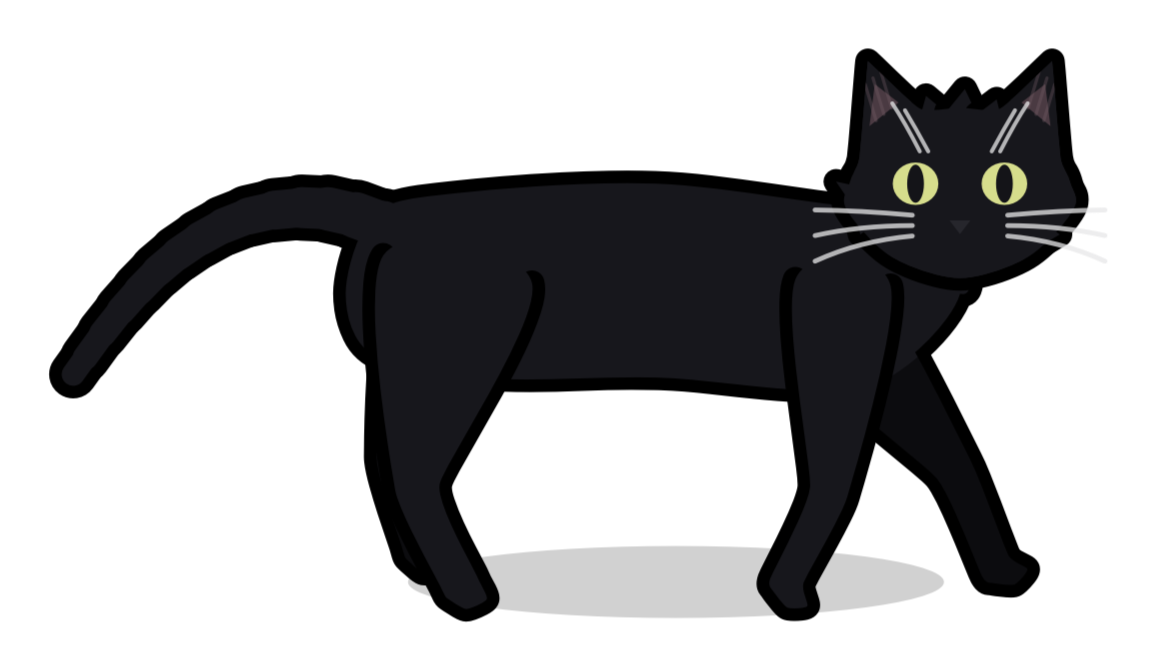
A black cat walking left away from its basket

StudioCat

Every good studio needs a cat

All the best studios have a resident cat to sit on the console, stare judgmentally at your mix moves, and occasionally step on the spacebar. StudioCat brings that energy directly to your DAW - keeping you company, inspiring your workflow, or completely distracting you while you try to mix.

It listens to your audio, reacts to the music, and paces back and forth across your plugins. It might nap through your acoustic breakdown, go hyperactive during the drop, or simply stare at your cursor like it's a laser pointer.

Your new 'assistant' will prod, poke and play its way around your project, wreaking merry havoc. But it will never, under any circumstances, do anything useful.
Choose your cat

With over 20 distinct personalities in the roster, there’s a companion for every kind of producer. Select a calm, sleepy cat to keep you grounded during an all-night mixing session, or pick an absolute chaos goblin to inject some life into a tedious editing job. If one isn't enough, you can even run multiple cats at once and watch them entertain each other across your screen.

Every cat listens directly to your incoming audio, pacing across your UI and reacting live to the music. They're built on a lightweight, real-time rendering engine that keeps CPU usage practically invisible, ensuring your session runs buttery smooth regardless of how large your menagerie grows.

And if you happen to be a REAPER user, prepare for true studio authenticity: your cat won't simply sit on the screen, it might just take a stroll across your faders.

Download the User Guide (PDF) →

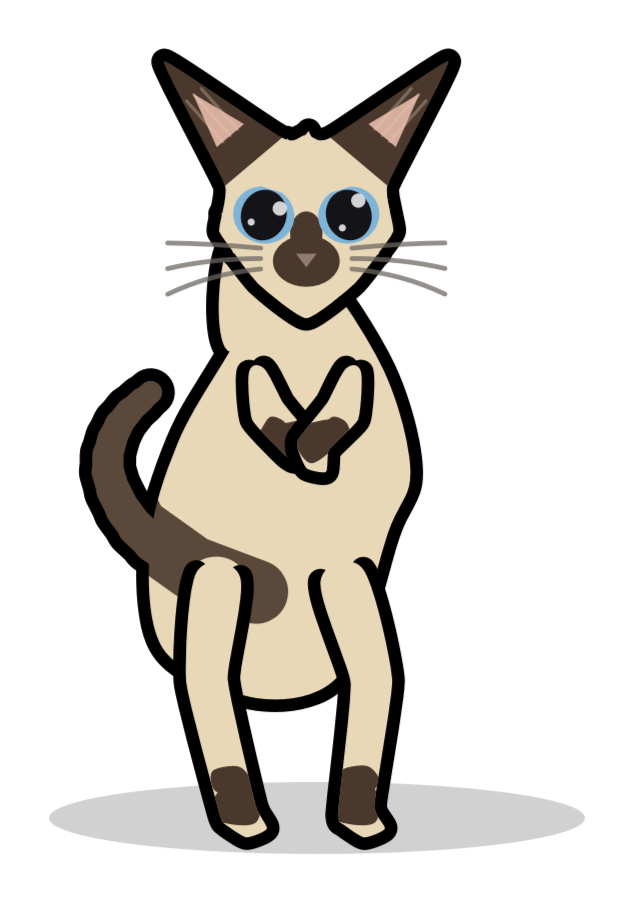
A dancing Siamese StudioCat

FAQ

Does StudioCat require an iLok or dongle?

No. Activation is handled online through a license key, with no dedicated hardware required.

Does StudioCat affect my audio?

No. It listens to what's playing and reacts to it, but it never touches the signal - output always equals input, a transparent pass-through you can leave inserted anywhere.

What do Interact and Meddle actually do?

Interact lets the cat knock your real mouse cursor around - off by default, since it's a toy, not a tool. In REAPER only, Meddle goes further and lets the cat paw at your actual mixer controls; every change lands as its own undo point, and right-clicking the cat shows the last dozen things it's done so you can revert any of them.

Does StudioCat add latency?

None. Your audio is never delayed, so it's safe to insert anywhere without delay-compensation side effects.

How many machines can I activate it on?

Up to 3 devices per license. Moving to a new machine is free: deactivate on the old one and activate on the new one, with a 14-day cooldown before that license can go back on the device you removed it from.

Is there a demo version?

Yes, a free 7-day trial with full functionality. Try it in a real session before you buy.

What is the refund policy?

Try the demo first. Once a license is activated the sale is final, but if the plugin is faulty or something was billed incorrectly, get in touch. Full details on the Refund Policy page.